
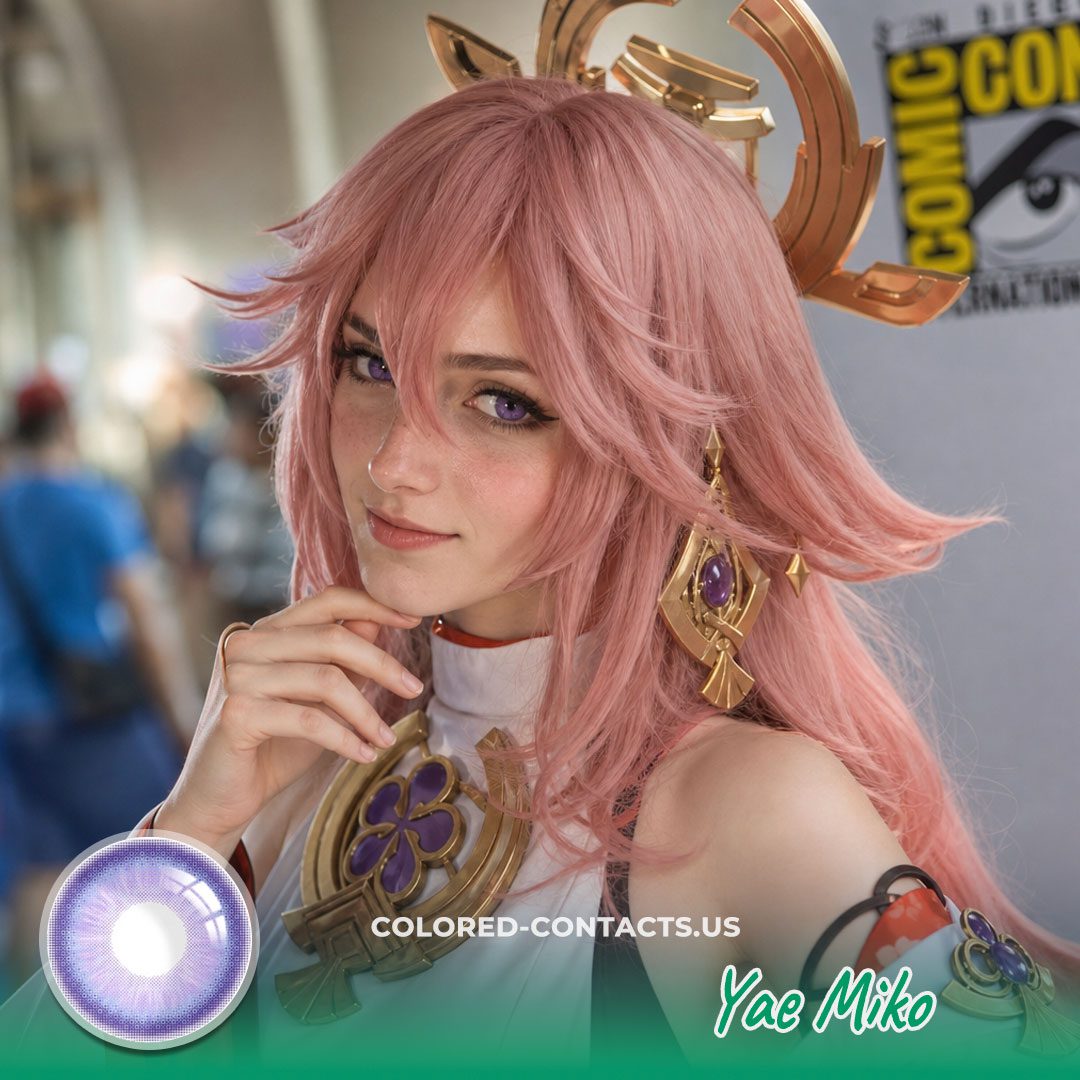
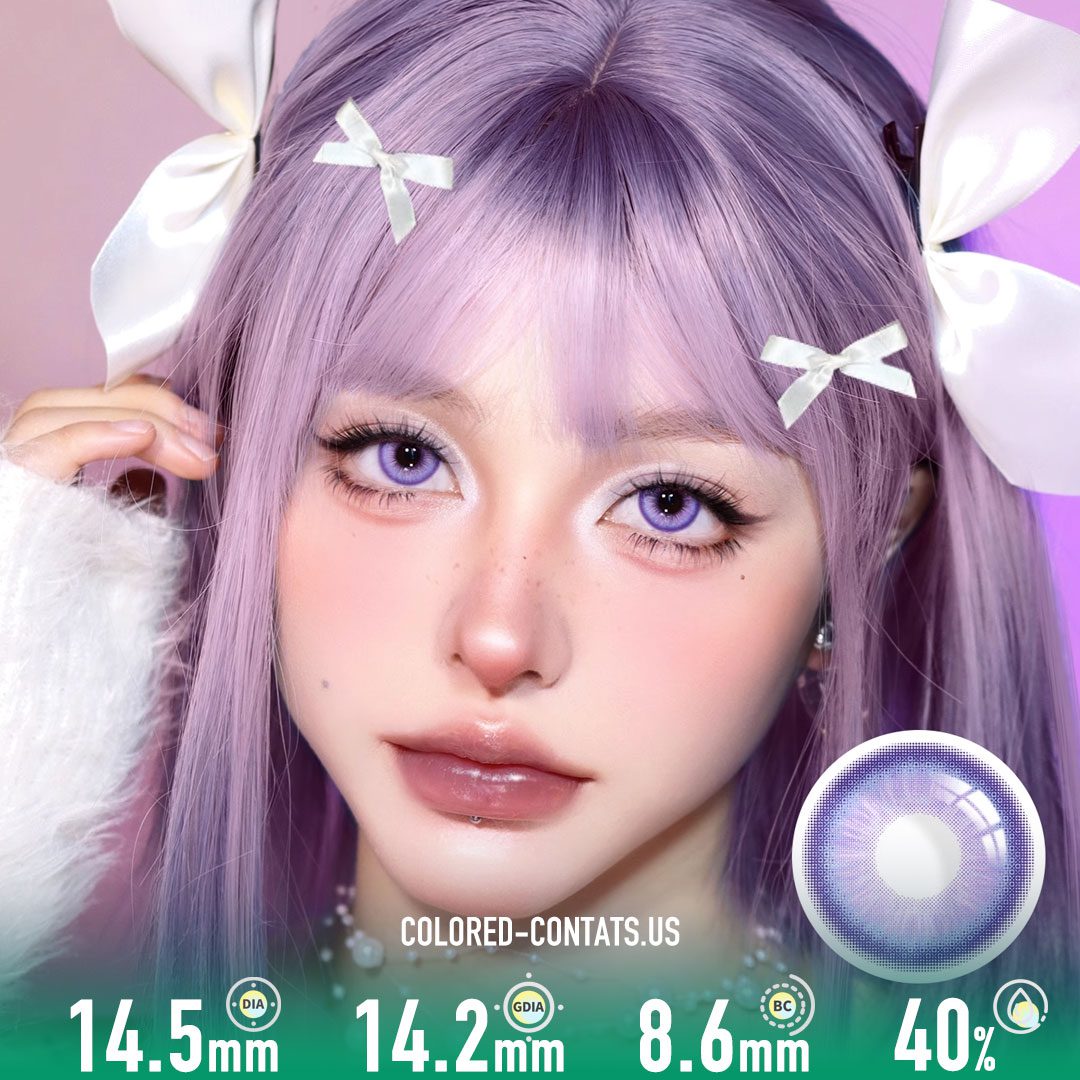
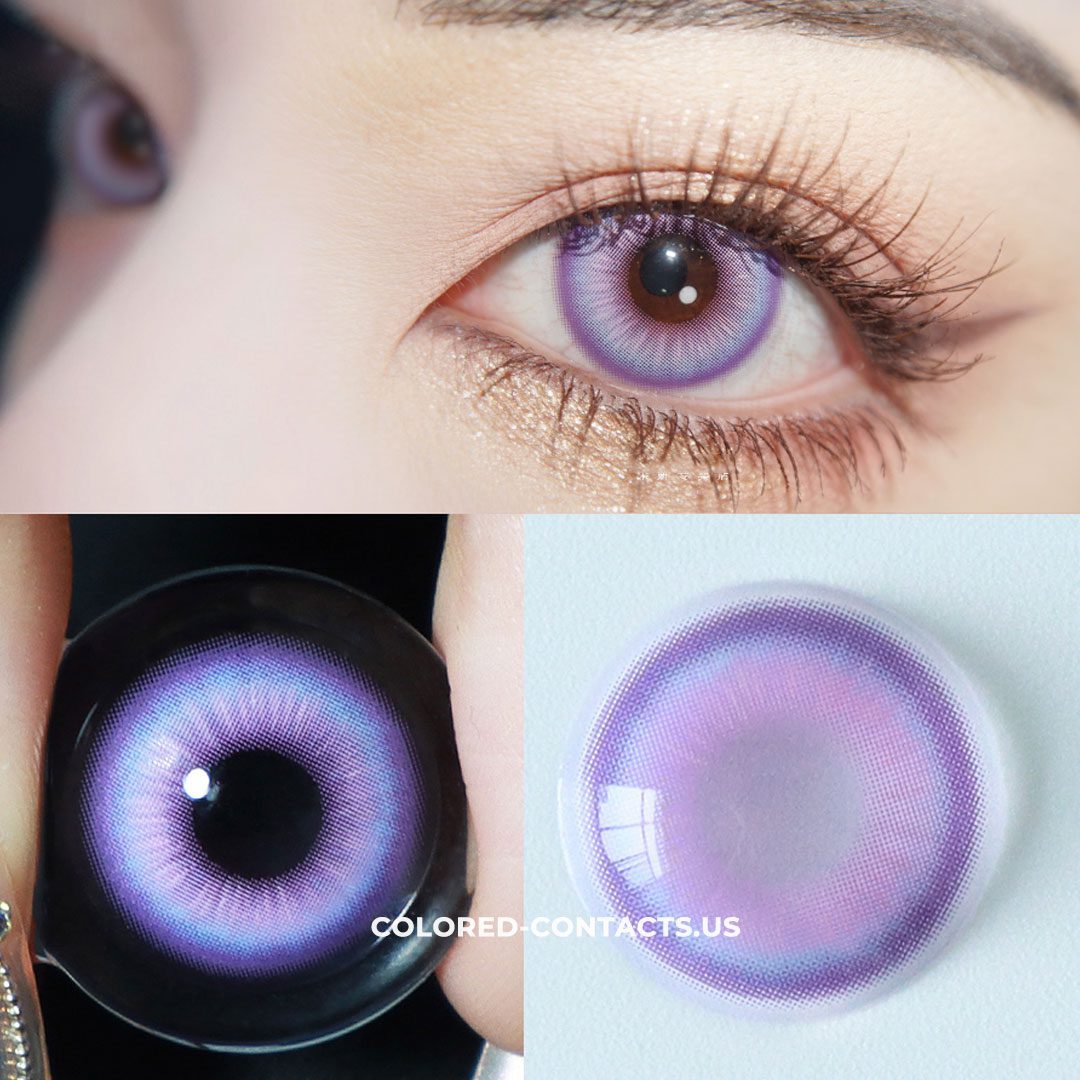
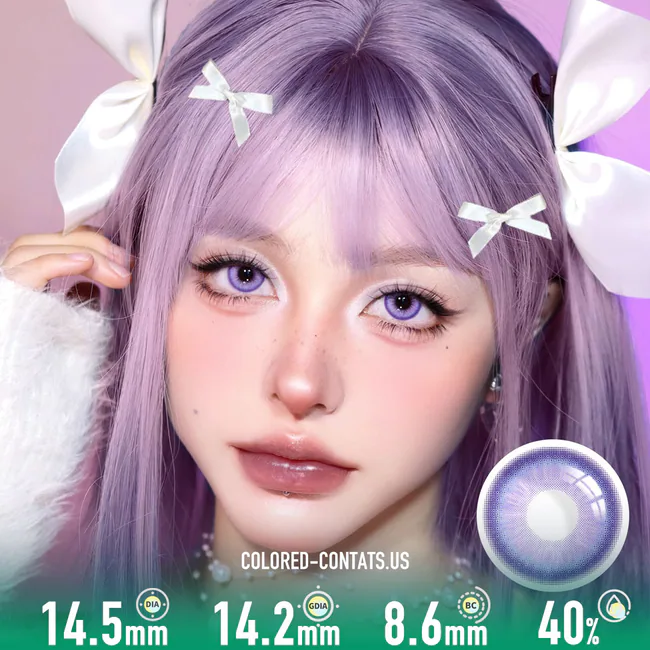
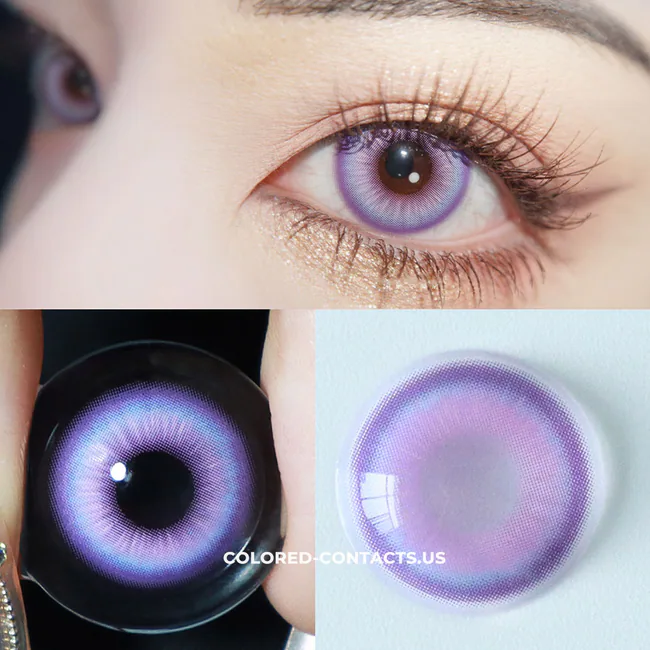
GI : Yae Miko Cosplay Contact Lenses
Brand: CCUS Eyewear
Original price was: $32.95.$18.95Current price is: $18.95.
Description
GI Yae Miko Cosplay Contact Lenses: What Your Phone Camera Does to Purple
You’re not the one taking most of your photos. Your friend is, with a phone, on auto, in a hallway with three different light sources, and the camera is making decisions about your face in less than a second. Automatic white balance looks at the whole scene, picks something average, and then applies that to your eyes.
Purple is the color it ruins most often. Here’s how this pair survives it.
Auto white balance pulls violet toward grey
The camera sees warm skin, warm walls and a warm wig, decides the scene is too warm, and cools everything down. Cool colors get flattened in the process. Weak violet lenses come out grey in those photos even though they looked perfectly purple in the mirror. Our Yae Miko cosplay contacts carry enough depth to hold their tone through that correction, so the photo still shows a violet eye instead of a neutral one.
Auto HDR lifts the shadows and lightens the color
Modern phones brighten the shadows automatically to keep everything visible. That’s good for the room and bad for a colored lens, because it lifts the middle of the iris and washes out the tone. Ours sits deep enough that HDR processing doesn’t turn it pale. The color stays where you put it.
Beauty mode softens eyes without asking
Most phones apply some level of smoothing by default. Fine detail gets lost, edges get softer, and a lens that relies on a strong pattern or a hard outer edge disappears entirely. Ours blends against your natural iris in the first place, so the processing has nothing to erase. The color still reads after the smoothing.
Mixed hallway lighting, one average decision
Convention hallways mix warm and cool light within a few meters. The phone picks one setting and applies it to everything, which is exactly how one eye ends up looking warmer than the other in the same photo. Because our tone holds steady in both warm and cool light, your eyes come out consistent even when the camera has guessed wrong about the room.
A photo-heavy day needs comfortable lenses
This build gets photographed constantly, from every angle, by people you’ve never met. That’s hours of standing, posing and holding the same expression while phones get pointed at your face. Cosplayers wearing these say the same thing: they stop noticing them. No dry scratchy feeling creeping in by midafternoon, no shifting during a shot, no reason to step away and take them out.
The review we hear most
“I always look grey-eyed in phone photos, no matter what lens I wear. These are the first ones that came out purple.”
Why CCUS Eyewear
We build for cosplayers who care what the photo looks like after the phone has finished editing it. Real character palettes, real lighting, real long days on your feet. If you’ve been searching Yae Miko cosplay contact lenses, or you keep typing purple Yae Miko cosplay contacts into the same search bar, this is where that search ends. Take one photo with your friend’s phone, in auto mode, in a mixed-light hallway. That’s the version that ends up posted.
Clean, dry hands, case when they’re out, and follow the care guidance that comes with your pair.
#YaeMikoCosplayContacts #YaeMikoCosplayLens #YaeMikoCosplayContactLenses #PurpleCosplayContacts #PurpleCosplayLens #VioletCosplayContacts #PurpleCosplayContactLenses #CosplayContactLenses #CosplayLenses #CosplayContacts #CCUSEyewear #YaeMikoCosplay #CosplayEyes #CosplayPhotography #CosplayMakeup #ConReady #CosplayCommunity #CosplayerLife #AnimeCosplay
Reviews (0)
Related products
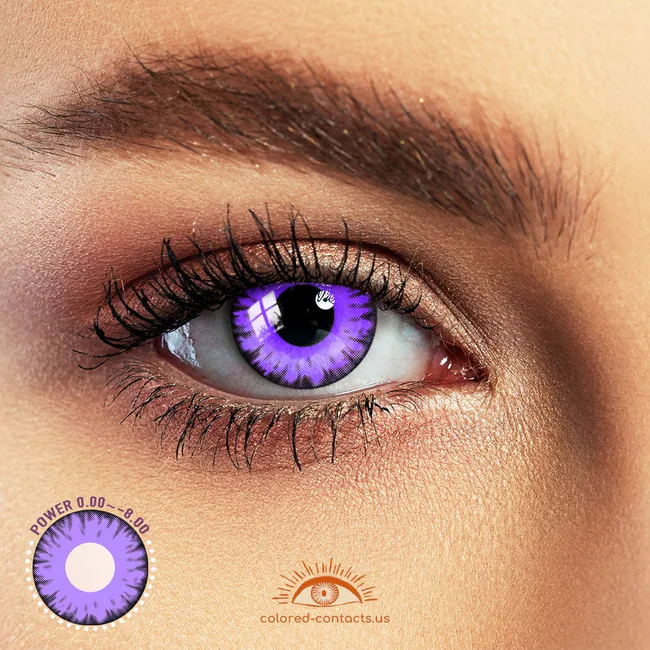
Purple Halloween Contacts
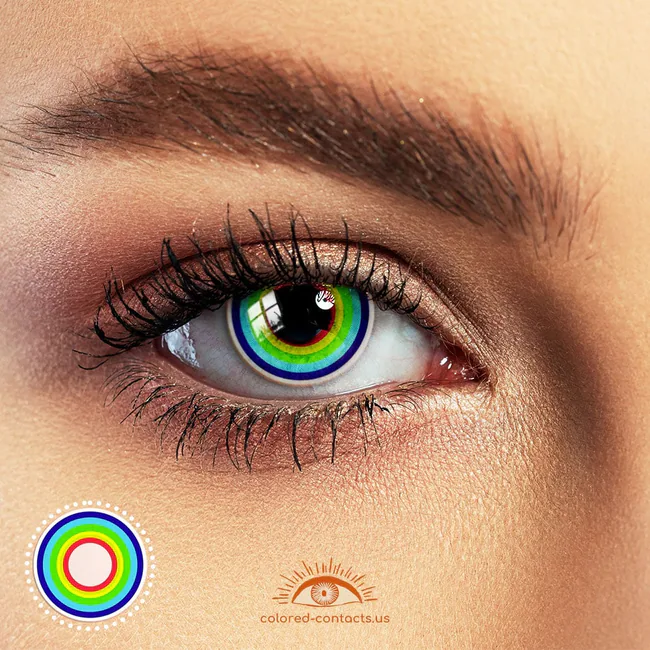
Green Halloween Contacts
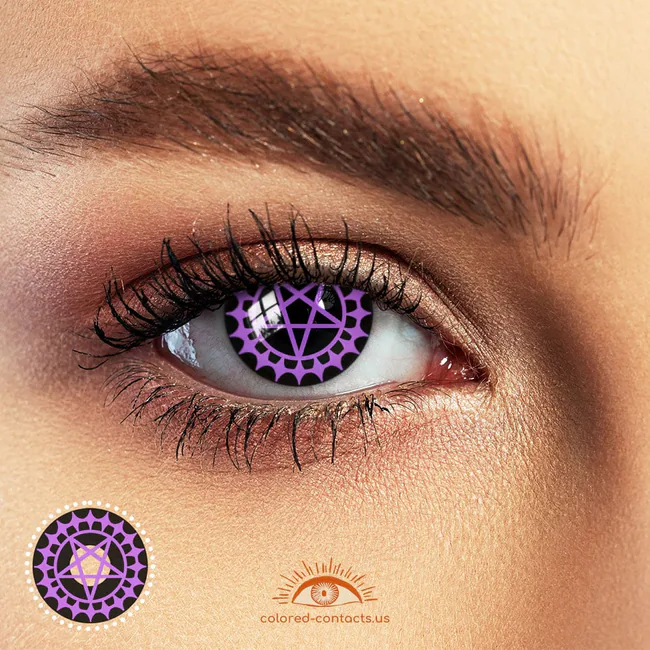
Black Butler
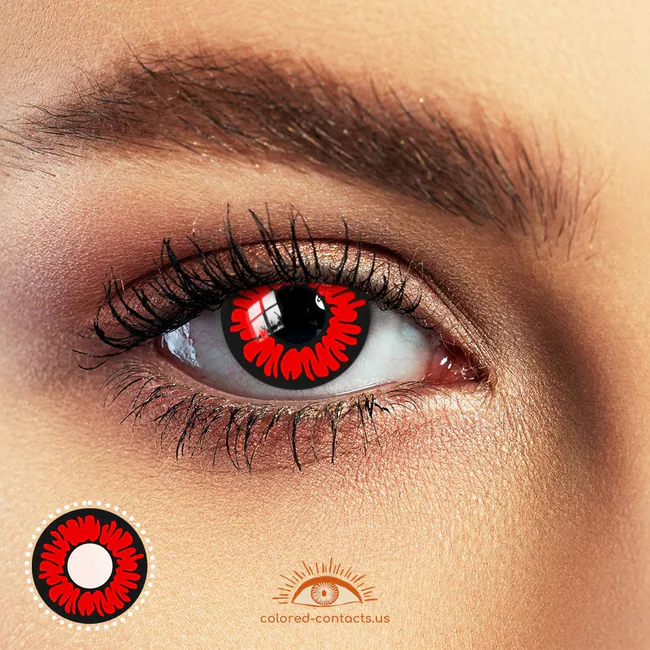
Demon Contacts
Zombie Contacts
Animal Contacts